


Description
Download Atlas OS Windows 10 – Performance Optimization, Gaming, Privacy, 22H2 Update, AME Wizard, Open-Source, Debloating, System Tweaks
Overview
Atlas OS Windows 10 is a specialized, open-source operating system designed to enhance performance and user experience on Windows 10 devices. Built with a focus on gaming and system efficiency, it targets common performance bottlenecks such as system latency, network latency, and input lag. By streamlining the underlying Windows 10 environment, Atlas OS aims to deliver a faster, more responsive computing experience tailored for gamers and performance enthusiasts. The project operates under the principle of minimalism and optimization, removing unnecessary components and processes that may hinder real-time responsiveness.
Target users include PC gamers, streamers, and advanced users seeking greater control over their system’s performance and privacy settings. The operating system is not intended as a general-purpose replacement for standard Windows 10 but rather as a performance-optimized variant for specific use cases. Its development is community-driven, with contributions from developers and tech enthusiasts who share a focus on system efficiency and security. This collaborative model supports continuous improvement and transparency in development practices.
Atlas OS Windows 10 leverages the latest 22H2 update, integrating modern system improvements while applying targeted optimizations. The project’s emphasis on debloating and system tweaks reflects a growing demand for lightweight, high-performance alternatives in a market where standard operating systems often carry excess overhead. The developer did not provide additional technical details about hardware compatibility or installation prerequisites. However, the focus on performance suggests suitability for mid-to-high-end systems where optimization yields measurable benefits.
Key Features & Functionality
- Improved Gaming Performance: Atlas OS Windows 10 reduces system latency, network latency, and input lag by eliminating background processes and optimizing kernel-level operations. This results in faster response times and smoother gameplay, especially in latency-sensitive titles.
- Enhanced Privacy Controls: The system is designed to minimize data collection and tracking mechanisms typically present in standard Windows installations. Users gain greater control over telemetry and privacy-related features, aligning with privacy-conscious computing practices.
- 22H2 Update Integration: The operating system incorporates the latest 22H2 update from Microsoft, ensuring compatibility with recent security patches and system improvements while building upon them with additional optimizations.
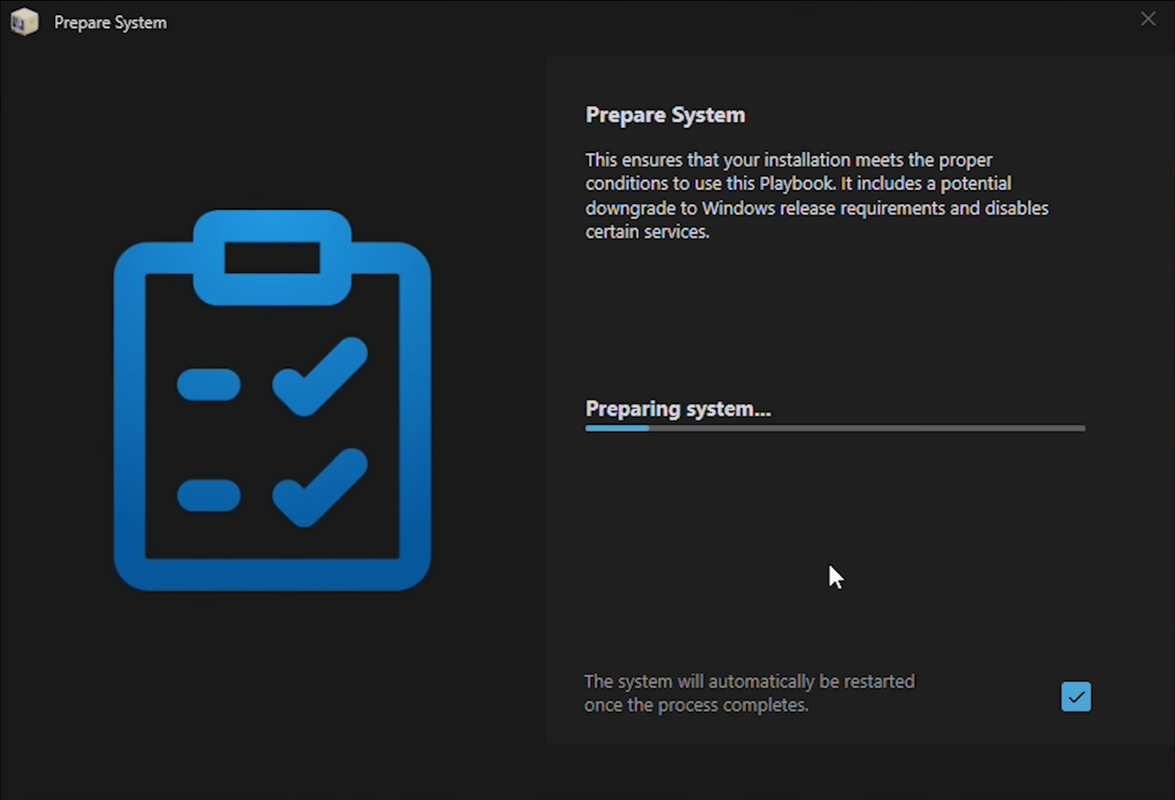
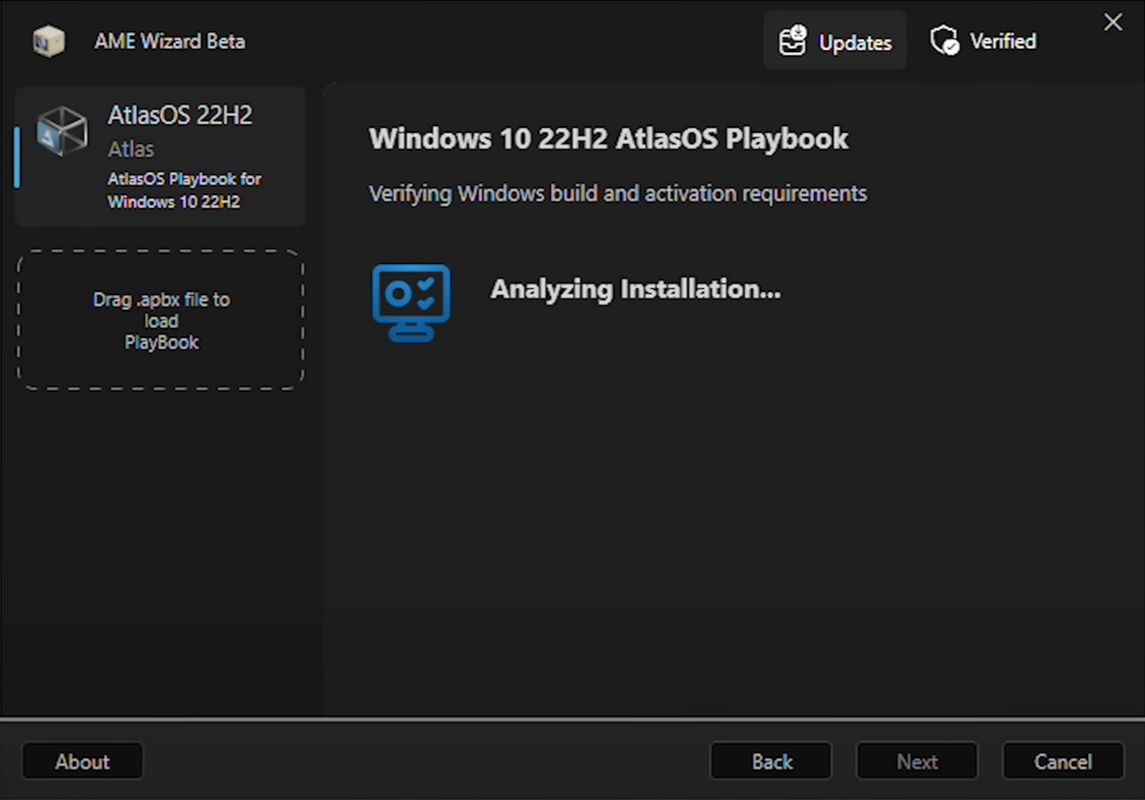
- AME Wizard Tool: A new development tool, AME Wizard, enables precise customization of the live Windows installation. It allows for component stripping, debloating, and system tweaking without requiring ISO creation, streamlining the optimization process.
- Customizable Performance Settings: Users can adjust optimization levels based on their hardware and usage patterns. This flexibility supports both aggressive performance tuning and balanced configurations for mixed workloads.
- Open-Source Development Model: The project’s transparency allows users to inspect, audit, and contribute to the codebase. This fosters trust, encourages community innovation, and ensures long-term sustainability through collective effort.
Real-world use cases include competitive gaming setups, live streaming environments, and high-performance computing tasks where every millisecond counts. For example, a user running a Twitch stream with low input lag and minimal background interference would benefit from Atlas OS’s tailored configuration. The system’s focus on removing bloatware and optimizing system responsiveness makes it ideal for users who prioritize speed and control over convenience.
Interface, UX & Performance
Atlas OS Windows 10 presents a clean, minimal interface that closely resembles standard Windows 10, ensuring a familiar experience for users transitioning from the base OS. The visual style emphasizes functionality over ornamentation, with reduced animations and streamlined menus to improve responsiveness. Navigation remains intuitive, leveraging the well-established Windows shell while minimizing resource-heavy elements.
Performance is a core focus of the project. Although the developer did not list formal performance metrics, the design philosophy suggests improved responsiveness across input devices, application launches, and system transitions. The removal of unnecessary background services and services related to telemetry and data collection contributes to lower CPU and memory usage under idle and active conditions.
Responsiveness is expected to be enhanced on systems with sufficient hardware resources, particularly in scenarios involving real-time interaction such as gaming or video editing. Stability is maintained through careful selection of system components and the use of the AME Wizard for safe, reversible modifications. The developer did not specify minimum OS requirements or compatibility with older hardware, but the focus on 22H2 implies support for systems meeting Microsoft’s current standards.
Platform Compatibility & Technical Requirements
Atlas OS Windows 10 is designed for the Windows platform and is based on the 22H2 update. The system file size is 2.5 GB, indicating a moderately large footprint due to the inclusion of core Windows components and optimization tools. The application is available at no cost, with a free license model supporting open-source distribution.
The developer did not specify minimum OS requirements, hardware specifications, or compatibility with older Windows versions. As such, users should exercise caution when installing on non-standard or legacy systems. The operating system is likely intended for modern PCs with UEFI firmware and sufficient storage to accommodate the installation. Specific requirements were not listed.
Pros and Cons
Pros
- Open-source nature ensures transparency and community trust.
- Focus on performance optimization benefits gaming and real-time applications.
- Enhanced privacy controls reduce data collection and tracking.
- AME Wizard provides advanced customization without ISO creation.
- Free to download and use, with no licensing restrictions.
Cons
- Specific hardware or system requirements were not disclosed.
- Installation may not be suitable for novice users without technical guidance.
- Limited support for older or non-UEFI systems may apply.
- Customization options may require technical knowledge to configure safely.
- Long-term stability on diverse hardware configurations remains unverified.
FAQ
Is Atlas OS Windows 10 safe to install?
Yes, as an open-source project, Atlas OS Windows 10 allows users to inspect the code and verify its integrity. However, users should only download from official sources and ensure they understand the risks of modifying a core operating system.
Can I update Atlas OS Windows 10 after installation?
Updates are likely managed through the AME Wizard or official release channels. The developer did not specify update mechanisms, so users should refer to official documentation for the latest procedures.
Does Atlas OS Windows 10 work on older Windows 10 systems?
The project is based on the 22H2 update, which may not be compatible with older Windows 10 versions. Specific compatibility information was not disclosed.
Is Atlas OS Windows 10 suitable for everyday use?
While it offers performance and privacy benefits, the system is optimized for gaming and high-performance tasks. Users seeking a general-purpose OS may find standard Windows 10 more suitable.
How do I get support for Atlas OS Windows 10?
Support is likely available through community forums or official project channels. The developer did not provide official support contact details.
Final Thoughts
Atlas OS Windows 10 stands out as a performance-driven, privacy-focused alternative for users who demand optimal system responsiveness. Its open-source model, integration of the 22H2 update, and use of the AME Wizard demonstrate a commitment to modern, transparent development. While not intended for casual users, it offers significant value to gamers, streamers, and advanced users seeking a leaner, faster computing environment.
The combination of system debloating, customizable optimization, and enhanced privacy makes it a compelling choice for those willing to invest time in setup and configuration. With no cost to use and a strong foundation in community collaboration, Atlas OS delivers a high-value solution in a niche but growing market.
Download Atlas OS Windows 10 now
Guides & Tutorials for Atlas OS Windows 10
How to install Atlas OS Windows 10
- Click the Preview / Download button above.
- Once redirected, accept the terms and click Install.
- Wait for the Atlas OS Windows 10 download to finish on your device.
How to use Atlas OS Windows 10
This software is primarily used for its core features described above. Open the app after installation to explore its capabilities.
User Reviews for Atlas OS Windows 10 0
No reviews found


